
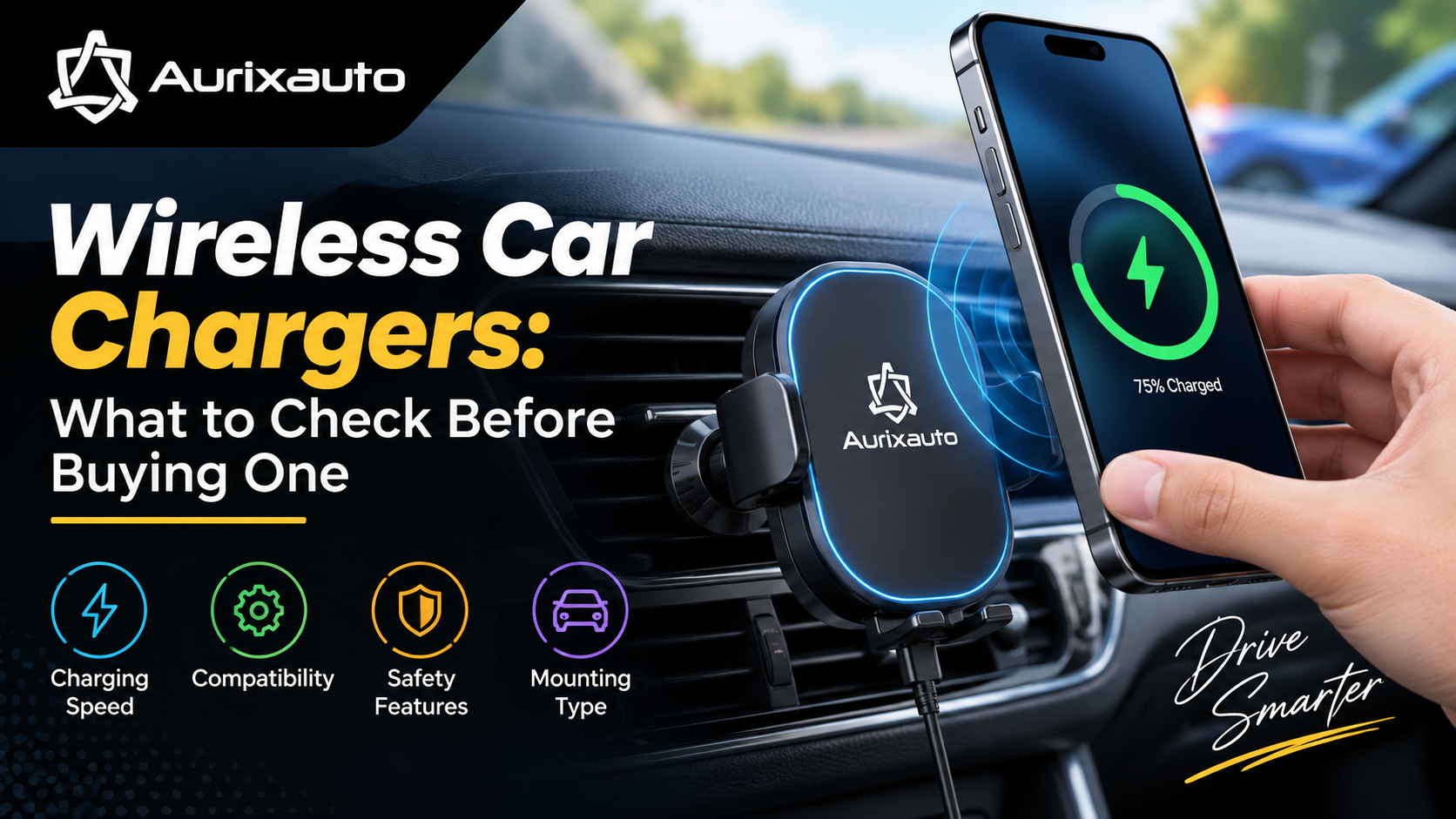
Wireless Car Chargers: What to Check Before Buying One
A wireless car charger can make everyday driving more convenient by allowing you to charge your smartphone without plugging in a cable every time. It can be especially useful for drivers who regularly use their phone for navigation, music, calls, or hands-free functions.
However, not every wireless car charger offers the same charging speed, phone compatibility, mounting stability, or safety features. Some models may charge slowly, overheat the phone, struggle to hold heavier devices, or stop charging when the phone is not perfectly aligned.

Before buying one, it is important to understand the key features that actually matter. From wireless charging speed and compatibility to mounting type, heat management, and safety protection, here is a detailed guide to help you choose the right wireless car charger.
What Is a Wireless Car Charger?
A wireless car charger is a device that combines a smartphone holder with a wireless charging pad or charging coil. It uses wireless charging technology to transfer power to a compatible smartphone without requiring a charging cable connected directly to the phone.
Most wireless car chargers use the Qi wireless charging standard. Depending on the charger and smartphone, charging speeds can vary considerably.
Some models are designed as simple charging pads, while others include automatic clamping arms, magnetic mounts, ventilation mounts, dashboard mounts, or windshield mounts.
Why Should You Consider a Wireless Car Charger?
Wireless charging can be useful for drivers who spend a lot of time in their cars. It reduces cable clutter and allows you to place your phone on the mount and start charging.
- Less cable clutter: You do not need to connect and disconnect a charging cable every time.
- Easy phone access: Your smartphone remains mounted in a convenient position.
- Navigation support: You can keep your phone visible while using GPS navigation.
- Convenient charging: The phone can charge while you drive.
- Cleaner dashboard: A suitable wireless mount can reduce loose cables around the cabin.
What to Check Before Buying a Wireless Car Charger
1. Check Smartphone Compatibility
The first thing you should check is whether the charger supports your smartphone. Wireless charging is not available on every phone.
Many modern smartphones support Qi-based wireless charging, but charging capabilities can differ between models. Some phones may support standard wireless charging, while others support faster proprietary wireless charging systems.
Before purchasing, check your phone's official specifications and confirm that the charger supports the required wireless charging standard.
2. Check the Charging Speed
Charging speed is one of the most important factors to consider. A wireless charger may advertise a certain maximum wattage, but your phone may not actually charge at that speed.
For example, a charger advertised as supporting high-wattage wireless charging may deliver a lower charging speed depending on the smartphone, charging protocol, adapter, and other conditions.
For regular driving, a reliable 10W or 15W wireless charger may be sufficient for many users, while users with compatible devices may prefer higher-speed charging.
| Charging Level | Typical Use | What to Expect |
|---|---|---|
| 5W | Basic charging | Slow charging but suitable for maintaining battery level |
| 7.5W | Compatible smartphones | Moderate charging speed |
| 10W | Everyday use | Good balance between speed and convenience |
| 15W | Fast wireless charging | Faster charging on compatible devices |
| Higher wattage | Compatible premium smartphones | Can provide faster charging when the complete setup supports it |
Important: Do not choose a charger based only on its maximum wattage. Your phone must support that charging speed, and the power adapter and charging system must also be capable of delivering it.
3. Look for Qi Certification and Standards
For broad compatibility, look for a wireless charger that follows established wireless charging standards. Qi-certified products can provide greater confidence regarding compatibility, performance, and safety.
Using a poorly designed or low-quality wireless charger can result in inconsistent charging, excessive heat, or poor power delivery.
4. Check the Required Power Adapter
A common mistake is to purchase a high-speed wireless car charger without checking the power adapter.
The wireless charger needs sufficient power from the car's USB port, USB-C port, 12V socket adapter, or another power source. If the input power is insufficient, the charger may not achieve its advertised charging speed.
When purchasing, check:
- Required input voltage and current
- USB-A or USB-C connection
- Whether a car power adapter is included
- Whether the included adapter supports the required output
- Whether the charger supports fast charging protocols required by your phone
5. Choose the Right Mounting Type
A wireless car charger is also a phone holder, so mounting quality matters. The best mounting position depends on your vehicle's dashboard design and your driving habits.
Air Vent Mount
Vent mounts are compact and easy to install. They can keep the phone close to the driver, but they may block airflow or become unstable with heavier smartphones.
Dashboard Mount
Dashboard mounts can provide a stable viewing position and are useful for navigation. However, the adhesive or suction system should be strong enough to handle temperature changes inside the vehicle.
Windshield Mount
Windshield mounts provide a clear view of the phone and can offer flexible positioning. Make sure the mount does not obstruct your forward visibility.
CD Slot Mount
CD-slot mounts can provide a central position in vehicles with a suitable CD player slot. However, they are becoming less relevant as newer vehicles increasingly remove CD players.
Magnetic Mount
Magnetic wireless chargers provide quick attachment and removal. However, the phone or case needs to support the appropriate magnetic alignment system.
Automatic Clamping vs Magnetic Wireless Chargers
Two popular types are automatic-clamping wireless chargers and magnetic wireless chargers.
| Feature | Automatic Clamp | Magnetic Mount |
|---|---|---|
| Phone installation | Simple | Very quick |
| One-hand operation | Usually easy | Very convenient |
| Case compatibility | Generally broad | Depends on magnetic compatibility |
| Phone removal | Requires releasing the clamp | Usually very quick |
| Heavy phone support | Depends on clamp quality | Depends on magnetic strength |
Check the Holding Strength
A wireless charger is not useful if your smartphone keeps falling while driving.
Look for a mount with strong clamps, a reliable magnetic connection, or a secure locking mechanism. This becomes even more important on uneven roads, speed breakers, and potholes.
If you use a large smartphone or a thick protective case, check the manufacturer's weight and size compatibility before buying.
Check Case Compatibility
Your phone case can affect wireless charging. Thick, rugged, metallic, or poorly aligned cases may reduce charging performance or prevent the phone from charging correctly.
If you use a magnetic wireless charger, check whether your case supports the required magnetic alignment system.
Ideally, choose a charger that works reliably with the type of case you normally use.
Look for Foreign Object Detection
Foreign Object Detection, often called FOD, is an important safety feature in wireless charging systems.
It can detect unsuitable metallic objects placed near the charging area and help prevent unwanted heating or charging behaviour.
This is particularly useful in a car because small objects such as coins, keys, or other metal items can sometimes come into contact with the charging surface.
Check Heat Management
Wireless charging naturally produces some heat, and the temperature inside a parked car can become very high. Therefore, heat management is an important factor when choosing a wireless car charger.
Look for chargers that provide features such as:
- Over-temperature protection
- Over-voltage protection
- Over-current protection
- Short-circuit protection
- Foreign object detection
- Temperature monitoring or charging control
Also consider the location of the mount. Placing a phone directly in strong sunlight can increase its temperature and potentially cause charging to slow or stop.
Check the Adjustability
A good wireless car charger should allow you to position your smartphone comfortably.
Useful adjustment features include:
- 360-degree rotation
- Adjustable viewing angle
- Extendable arms
- Rotating ball joints
- Landscape and portrait orientation
Adjustability is particularly helpful when using navigation because you can position the phone to reduce glare and improve visibility.
Check the Build Quality
Do not judge a wireless car charger only by its appearance. Pay attention to the quality of the clamp, joints, charging surface, cable connection, and mounting mechanism.
A charger made from durable materials is more likely to handle daily use, vibrations, temperature changes, and repeated phone installation and removal.
Check the Cable Quality
The charging cable is another important part of the setup. A poor-quality cable can limit power delivery or cause unstable charging.
If the charger uses USB-C, check whether the included cable is suitable for the charger's power requirements. Avoid extremely cheap cables from unreliable sources.
Consider Your Car's USB Port
Modern cars may offer USB-A, USB-C, or both. Before buying a wireless car charger, check which connection your car provides.
If your car's built-in USB port does not provide enough power, you may need a suitable 12V car adapter.
Check for Night-Friendly Features
Some wireless chargers include LED indicators to show charging status. These can be useful, but excessively bright LEDs may become distracting during night driving.
If you frequently drive at night, choose a charger with subtle indicators or an option to reduce the light.
Look at Installation and Cable Management
A wireless charger still requires a power cable. Therefore, consider where the cable will run after installation.
A clean installation should keep the cable away from the steering wheel, gear selector, pedals, and other controls.
Choose a mounting location that allows the cable to reach the power source without becoming loose or interfering with driving.
Check the Warranty and Brand Reputation
A wireless car charger is an electronic accessory, so warranty support can be valuable. Before buying, check the warranty period, return policy, customer support, and availability of replacement accessories.
Instead of choosing the cheapest charger available, consider the overall reliability and safety features offered by the product.
Common Mistakes to Avoid When Buying a Wireless Car Charger
- Choosing a charger only because it advertises a high wattage.
- Ignoring smartphone compatibility.
- Using an underpowered car adapter.
- Not checking compatibility with your phone case.
- Buying a weak magnetic mount.
- Ignoring heat management and safety protection.
- Installing the charger where it blocks your visibility.
- Using poor-quality charging cables.
- Ignoring warranty and return policies.
Wireless Car Charger Buying Checklist
| Feature | What to Check |
|---|---|
| Phone compatibility | Confirm wireless charging support |
| Charging speed | Check supported wattage and charging protocol |
| Power source | Check USB/USB-C or 12V adapter requirements |
| Mount type | Choose vent, dashboard, windshield or magnetic mount |
| Holding strength | Ensure the mount can securely hold your phone |
| Case compatibility | Check thickness and magnetic compatibility |
| Safety | Look for temperature, voltage and current protection |
| Heat management | Prefer reliable thermal control |
| Adjustability | Look for suitable viewing-angle adjustment |
| Build quality | Check clamps, joints and materials |
| Warranty | Check warranty and return support |
Are Wireless Car Chargers Worth Buying?
For many drivers, a wireless car charger is worth buying because it combines two useful accessories: a smartphone holder and a charger. It can make daily driving more convenient, particularly when using navigation or spending long hours on the road.
However, the best choice is not necessarily the charger with the highest advertised charging speed. A reliable wireless car charger should provide good phone compatibility, stable mounting, sufficient power, effective safety protection, and convenient positioning.
Final Thoughts
Choosing the right wireless car charger requires more than checking its price and advertised wattage. You should consider your smartphone's wireless charging capabilities, the required power adapter, mounting style, case compatibility, holding strength, heat management, and safety features.
If you frequently use navigation, music streaming, or hands-free calling while driving, a well-designed wireless car charger can be a useful addition to your vehicle. Take the time to compare the specifications and choose a model that matches both your smartphone and your car.
FAQs About Wireless Car Chargers
1. Does every smartphone support wireless charging?
No. Only smartphones with built-in wireless charging support can charge wirelessly. Check your phone's specifications before purchasing a wireless car charger.
2. Is a 15W wireless car charger better than a 10W charger?
Not necessarily. A 15W charger can be faster if your smartphone and the complete charging setup support that speed. Otherwise, the phone may charge at a lower rate.
3. Can I use a wireless charger with a phone case?
Yes, many wireless chargers work through standard phone cases. However, very thick, metallic, or poorly designed cases can interfere with charging.
4. Does wireless charging heat up the phone?
Wireless charging can generate heat. A quality charger should include appropriate thermal and charging protections. Avoid exposing the phone to excessive direct sunlight while charging.
5. Do wireless car chargers work while using Google Maps or navigation?
Yes. A wireless car charger can charge the phone while navigation is running. However, navigation and other demanding applications can consume significant power, so charging speed and heat management become more important.
6. What is the best mounting position for a wireless car charger?
It depends on your vehicle. The charger should be easy to reach and view without blocking the driver's visibility or interfering with vehicle controls.
7. Do I need a special adapter for a wireless car charger?
It depends on the charger and your vehicle. Some chargers include a suitable car adapter, while others require you to purchase an appropriate adapter separately.